Shadow issue, hairs too bright
Hello,
There seems to be an issue where the fur shader, no matter what i do or how many things i turn off - always seem to have some kind of brightness. this results in poor results as the fur sticks out on the character when in shadow. thoughts?

Hi there! Apologies for the delayed reply - but this one is a bit perplexing
Any way we could see a screenshot of this?
Are you using the complex shader?
Have you followed best practices - as described here:
mainly - make sure shadows and normal direction are enabled.

NeoFur Plugin Does not seem to work anymore.
Hi, I previously worked with neofur 2.0 release. But recently I installed into new project. latest version, and neofur just does not seem to work. I quickly setup a furasset using a copy of the render mesh. add neofur component then added the furasset. yet it does not load the hair shader representing hair. I add complex master material. makes no different acts like regular object. As if plugin is no enabled. The plugin is enabled under project plugins and the correct version is installed.
I did get this error msg after updating to new version.Proceeded with overwriting old shader.
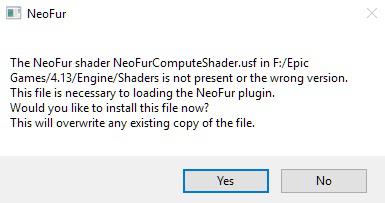
Need help, I dont see why it's not working. what am I missing?

Strange flickering problem
Hello everybody !
Maybe my problem is the same as this one :
http://support.neoglyphic.com/topics/64-fur-not-visible-from-bottom-view/
I'm not sure about that...
My neofur asset is flickering, depending on the angle at we look at it...
To show you, I put this video on YT :
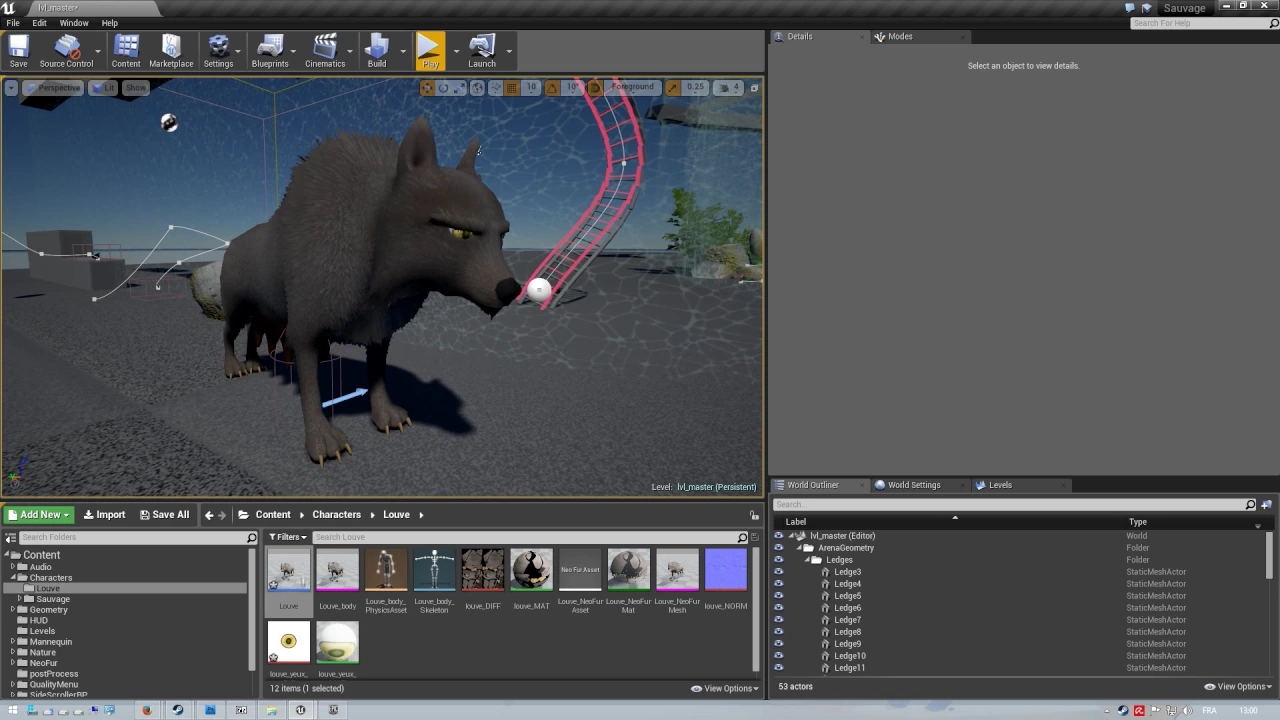
First, I though about a LOD problem but it's not.
Thanks for your advices :)
This is most commonly due to issues with boundaries on a skeletal mesh.
Presumably the fix is to make sure your skeletal mesh has good boundary values. Bad boundaries are most commonly due to a lack of physics assets setup.
Another temp fix is to override the boundaries of your component, as shown in the attached image.


 changing the length of Fur in UE4 dynamically
Hello,
I'm new to NeoFur, I'm hoping to use it for my school project. I was wondering if there is a way to dynamically increase or decrease the length of the fur either through Blueprint or C++. I looked for a tutorial but couldn't find it.
Thank you for reading and any help is greatly appreciated.
_G
Hi there,
Included in the demo project is an example for this. All the variables that we can expose have been exposed via blueprint, including shell distance. See more info here: http://support.neoglyphic.com/topics/28-dynamic-distance/

Fur not visible from bottom view
Longer fur disappears when viewed from bottom perspectives:
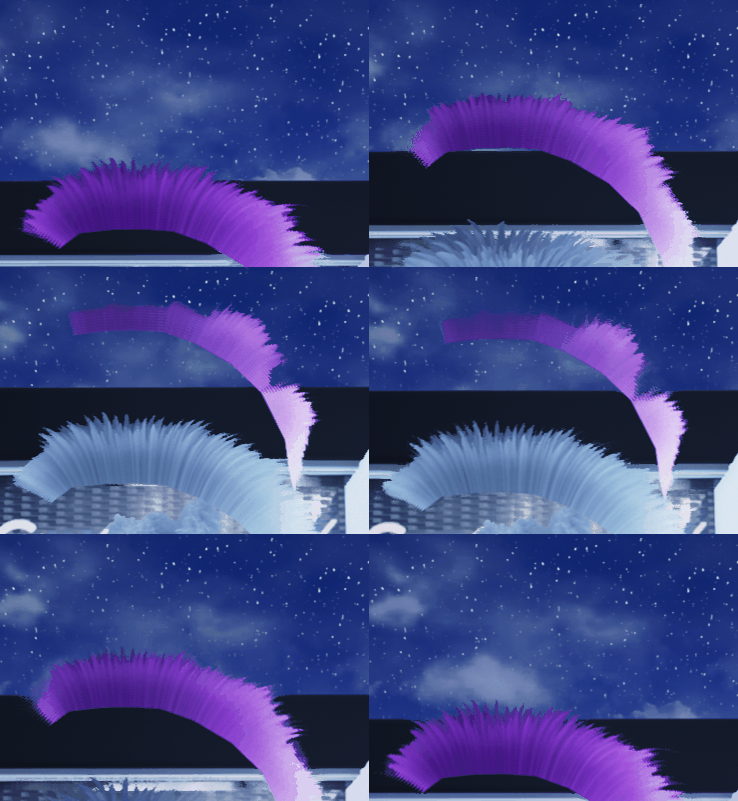
The mohawk fur on the example bear character also has this problem. I've tried setting the master material to Two Sided and it helped, but then it has some weird artifacts. Is there any way to display longer fur like this from bottom without disappearing? Thanks!
Double-sided is the best option here. The weird artifacts as described are different depending on your scenario, and there are ways to improve them.
If you are using the optimized shader (I think you are?) - you can try overriding the default shading with a different type of shading - for instance the foliage double-sided - which may make things a bit brighter but will do much better with light transmission via double-sided.
Hope this helps!

Latest version of NeoFur - 2.1.355
V2.1.383 - Build 383 12/21/16
Features
- Updated to support more then 256 bones. We generally don't advise this but just in case.
Bug Fixes
- Fixed issue with ragdoll physics.
Known Issues
- No Linux support in 4.14 yet
Customer support service by UserEcho