Using Material Packs for Unreal
- This example uses the NeoFurSciFi1 pack, but applies to all available material packs.
- After purchasing, you will receive an email with the download link for your pack.
- Download and unzip the files.
- In the root directory of the Unreal project, create a Plugins folder and add the NeoFur plugin.
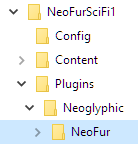
- At this point, you can double click the uproject file to launch UnrealEngine and explore the materials by the hitting Play in the welcome level (it should be opened by default).
- Once you are through, you can easily add the materials to your working project by using Unreal's asset migration tool.
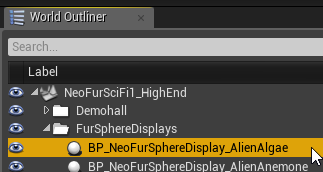
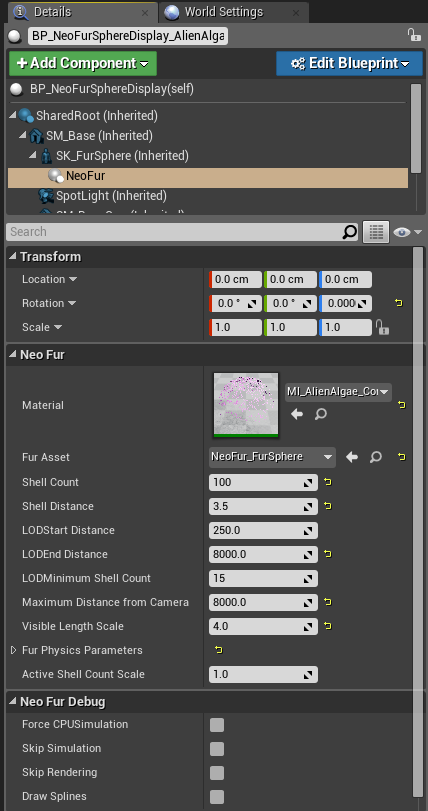
- You may also wish to reference the NeoFur component settings on the display asset to use as a starting point.
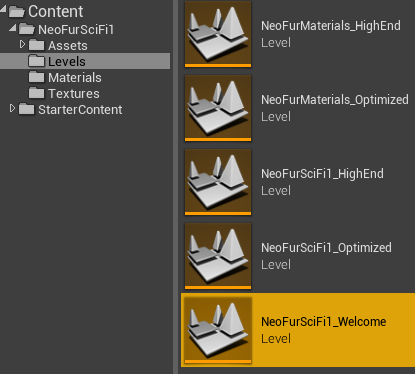
Please note that it can take several minutes or more for the shaders to compile, depending on the spec of your workstation.
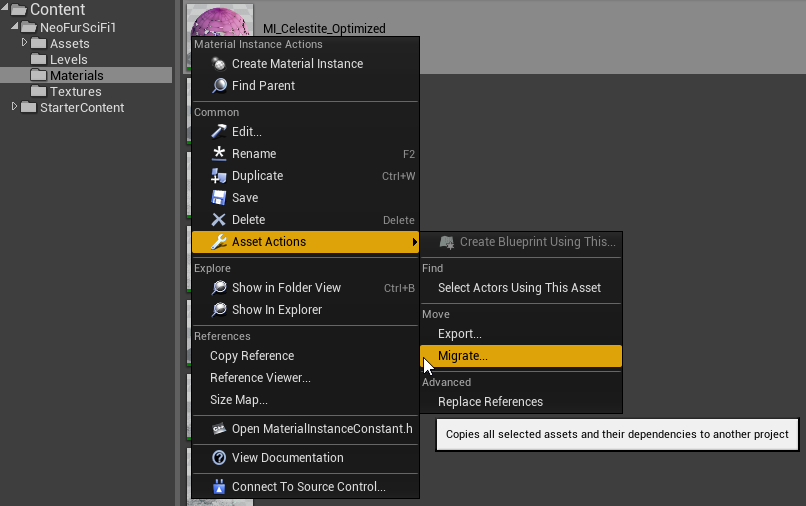
More on this tool here: https://docs.unrealengine.com/latest/INT/Engine/Content/Browser/UserGuide/Migrate/
Customer support service by UserEcho